Online booking widget
A public booking widget you embed on your existing website. Customers pick their device, describe the problem, choose a day and leave their details — the request comes straight to you to confirm.
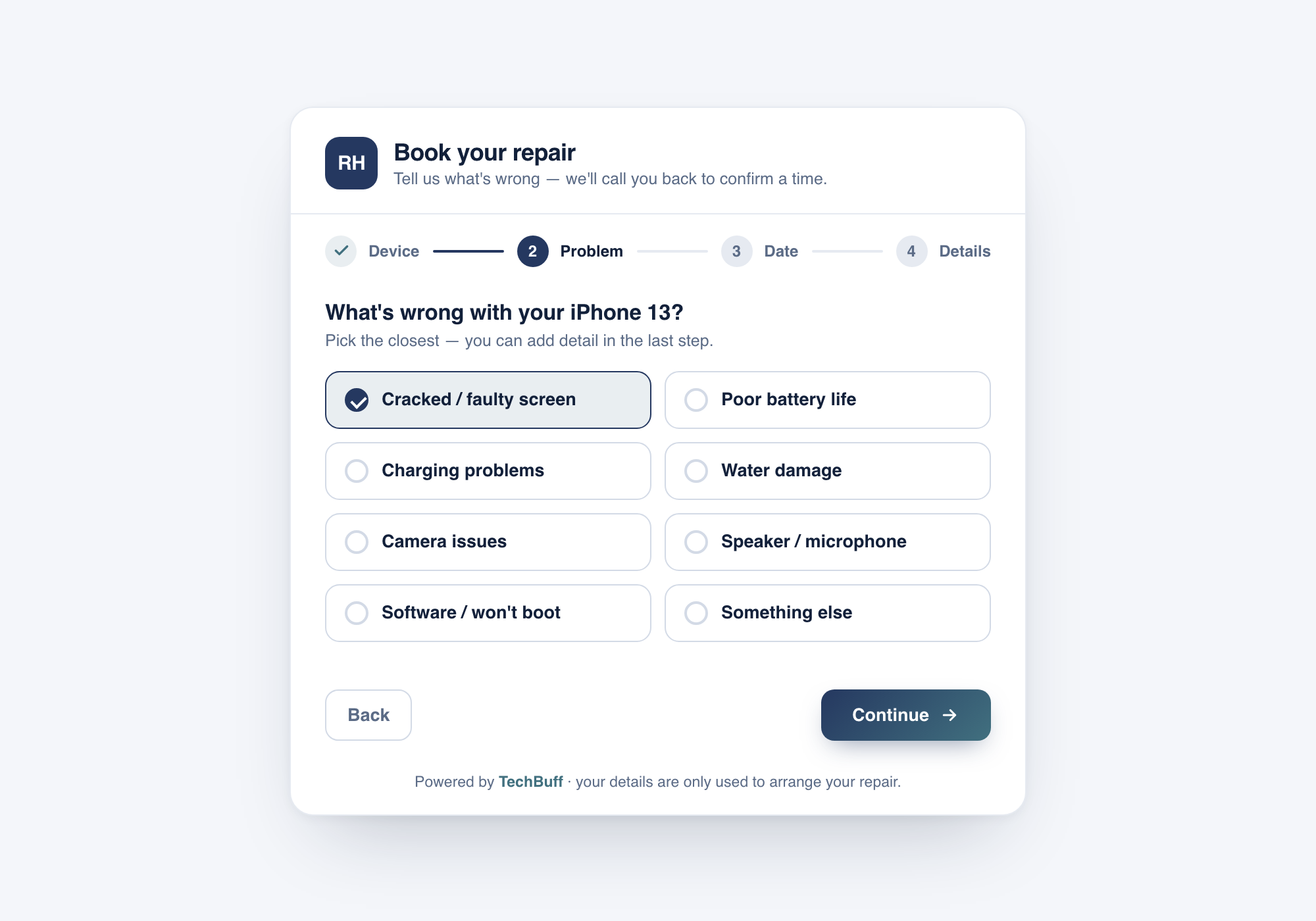
Embeds on your site
Drop one snippet onto your current website — no rebuild — and the widget picks up your brand colour.
A simple 4-step wizard
Device, then the fault, then a day that suits them, then contact details. Short enough that customers actually finish it.
Request & call-back
You're never overbooked by a calendar you can't control — every request lands with you to confirm by phone.
Straight into TechBuff
Confirmed requests become bookings in your dashboard, ready to turn into a repair ticket.
How it actually runs.
- 1
Add it to your website
Paste the embed snippet onto your site and set your brand colour. If your site builder allows an HTML or embed block, you're done — no developer needed.
- 2
Customers book in their own time
After hours or mid-repair, a customer chooses their device, picks the fault from common issues like a cracked screen or battery, and asks for a day that suits them.
- 3
You confirm and it becomes a job
The request appears in your bookings list. You call to confirm the details and price, then turn it into a repair ticket in the same system.
- Missed calls and voicemails after closing time
- A contact form that just emails you “my phone is broken”
- Customers walking to whichever shop answers first
Turn your website into a 24/7 booking line — without a developer or a rigid calendar.
What owners ask us.
Do I need a developer to add it?
Does the widget take payment?
What does the customer actually fill in?
Explore the connected modules.
See it running
in your own shop.
Start a free trial and put online booking widget to work today — no credit card and no hardware lock-in.